Credits & billing
Review your team's billing history.
Only admins can view or change settings on this screen.
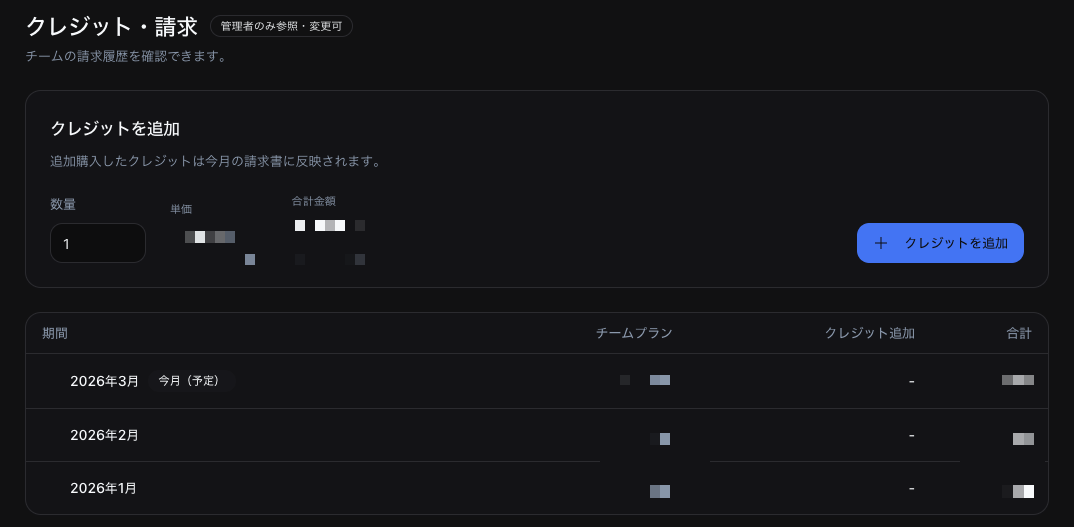
Billing history
Review your monthly charges. Each invoice displays the following breakdown.
- Team Plan — Base subscription fee
- Credit top-ups — Amount of additional credits purchased
Click a credit top-up line item to see the date and time, who added the credits, whether the top-up was automatic, the number of credits, and the amount.
Adding credits (top-up)
- In the Add credits section, enter the quantity
- Review the unit price and total amount
- Click + Add credits
Credits purchased as top-ups are reflected on this month's invoice.
Auto top-up
When Auto top-up is enabled in team settings, additional credits are purchased automatically when the team runs low. For details, see Team settings.