Setup
Installing the Add-in
- Open Microsoft Word
-
Click the Home tab → Add-ins

-
Type "legalagent" into the search bar and click Add to install

-
Legal Agent appears in the Word side panel
Signing In
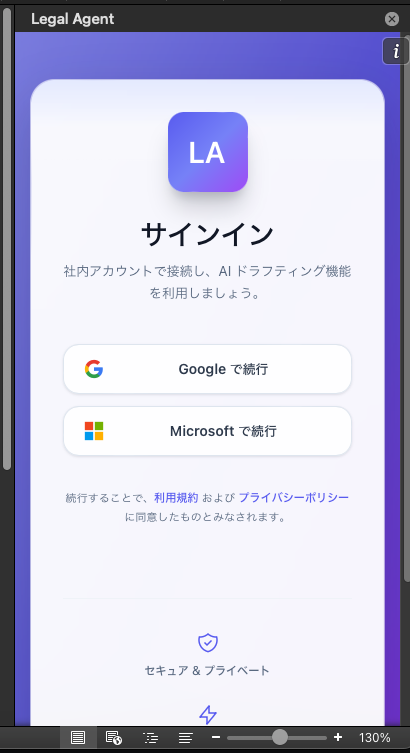
You need to sign in to use Legal Agent. You can sign in using either of the following methods:
- Continue with Google — Sign in with your Google account
- Continue with Microsoft — Sign in with your Microsoft account
Select a provider on the sign-in screen and complete authentication.
By continuing, you agree to the Terms of Service and the Privacy Policy.
Checking Language Settings
If the language setting differs from what you expect, we recommend changing it from the Settings screen.